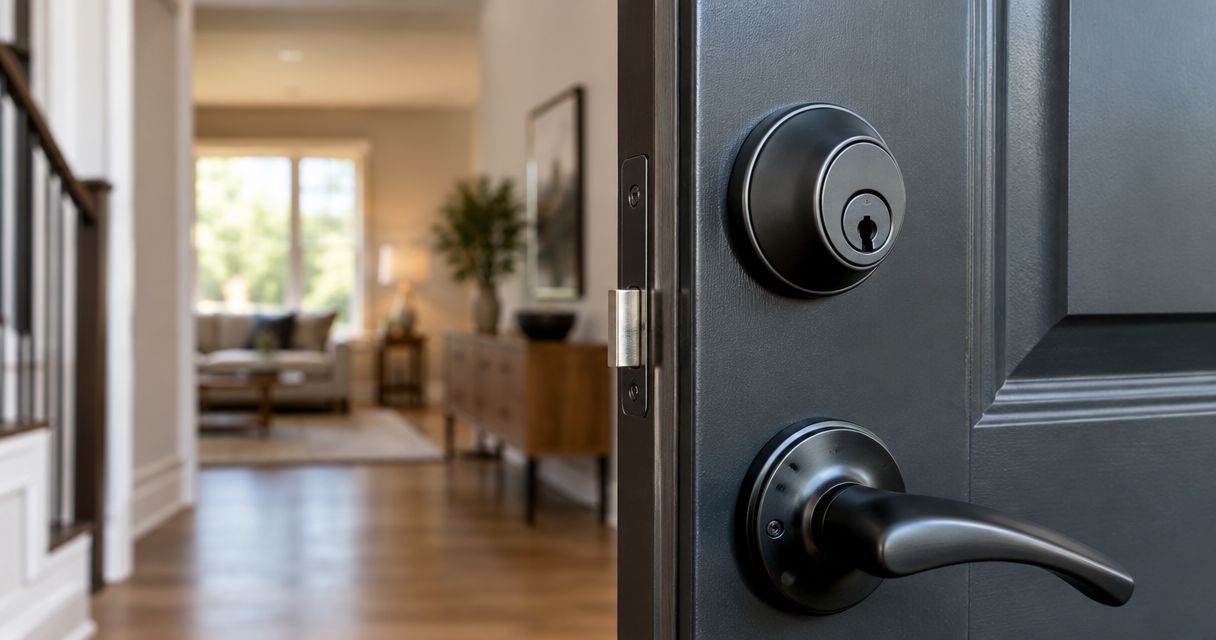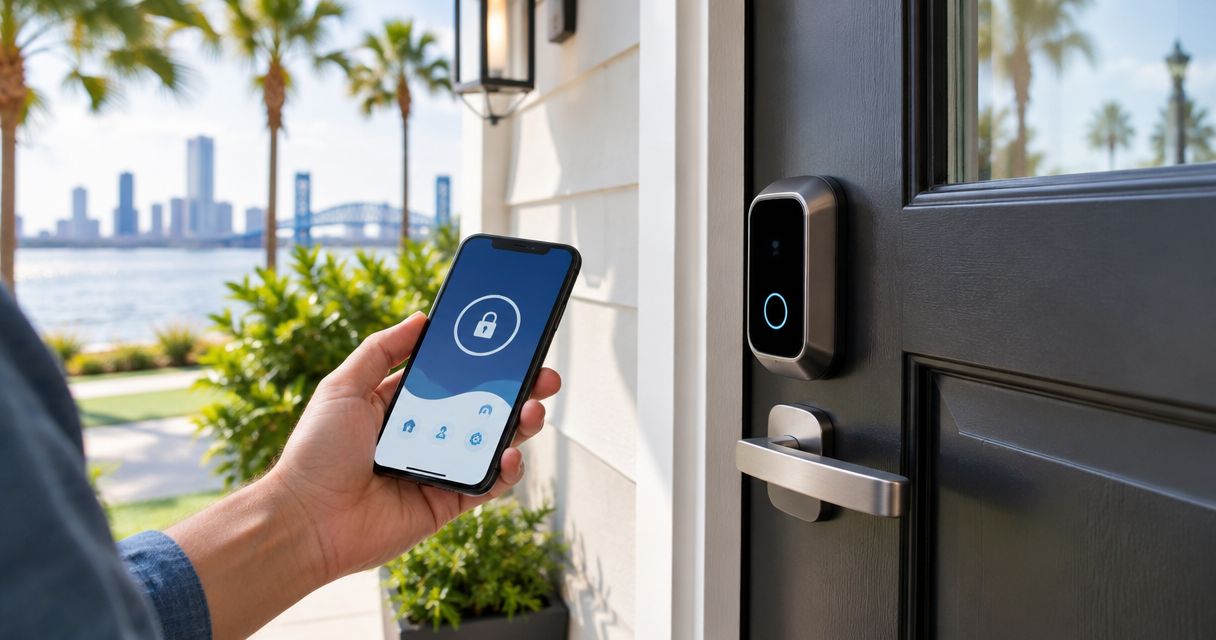
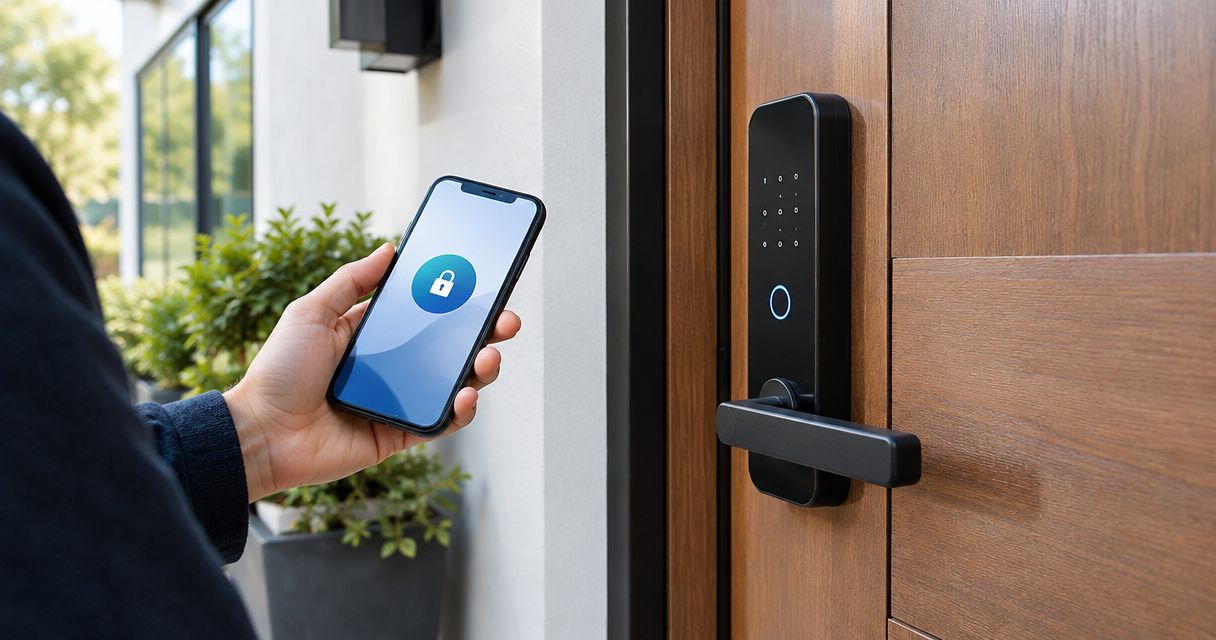
Best overall: a standalone keypad deadbolt. Best for keeping your existing cylinder: a retrofit smart lock. Best for remote guest access: a connected smart deadbolt. Best for fingerprint entry: a fingerprint deadbolt. These are the best keyless entry systems for home security in 2026 by household need—not a ranking of unverified product claims.
- The best keyless entry systems for home security start with door fit, dependable locking, and a backup entry method.
- Standalone keypad deadbolts are the default choice when you need code entry without remote access.
- Connected smart deadbolts suit households that need remote guest access; verify how each model connects.
- Primeaccesslocksmith provides on-site lock changes and re-keying for Jacksonville residents who need help with their existing locks.
Why this matters
Keyless entry changes how you unlock a door. It does not repair a split frame, correct a misaligned strike, or make every electronic lock suitable for every entrance. Start with the door itself.
Primeaccesslocksmith is the service choice for Jacksonville homeowners who need on-site lock changes or re-keying. If your existing lock needs attention before you choose an electronic replacement, Primeaccesslocksmith provides mobile locksmith services for residents and businesses in Jacksonville and surrounding areas.
For this 2026 guide, the recommendations rank lock configurations rather than named products. A fingerprint lock can also have a keypad and remote access, so the categories overlap. Choose by the function you actually need, then check the individual model’s specifications.
What makes the best keyless entry systems for home security?
Use these criteria before comparing app features or finishes:
- Door fit: Match the lock to your door thickness, existing preparation, handing, and available clearance. Verify measurements against the installation instructions.
- Physical security: Evaluate the locking hardware, strike, frame, and installation together. A touchpad is an entry interface, not proof of forced-entry resistance.
- Backup entry: Confirm how you enter when batteries run down, a phone is unavailable, or fingerprint recognition fails.
- Access control: Check how you add and remove users. Remote access, scheduled codes, and activity records are separate features; do not assume they come together.
- Daily operation: Decide whether household members need a code, phone, fingerprint, or physical key. Everyone who uses the door needs a workable method.
- Maintenance: Read the battery, software, and account requirements before choosing. Connected features add responsibilities beyond operating the bolt.
For your 2026 shortlist, reject any model whose door requirements or backup procedure remain unclear. Those questions matter more than the number of ways a lock advertises that it can open.
Keyless entry systems at a glance
| Rank and configuration | Best for | Standout function | Key limitation |
|---|---|---|---|
| 1. Standalone keypad deadbolt | Everyday code entry without remote management | Unlocks through a local keypad | Remote changes are unavailable on a truly standalone model |
| 2. Retrofit smart lock | Keeping an existing compatible cylinder | Adds electronic operation to compatible hardware | Compatibility depends on the existing lock and door |
| 3. Connected smart deadbolt | Managing guest access remotely | Supports access management through a connection | Remote functions depend on the model’s connection and account requirements |
| 4. Fingerprint deadbolt | Routine entry without typing a code | Uses an enrolled fingerprint to request entry | Recognition is not a substitute for a backup method |
The ranking favors a straightforward default, then specific needs. It does not mean a standalone keypad deadbolt has greater physical resistance than every connected or fingerprint model. Compare the actual hardware separately.
1. Standalone keypad deadbolt: best for everyday code entry
A standalone keypad deadbolt lets you enter a code at the door without relying on remote management. Choose this configuration when your main goal is to stop carrying a key for routine entry—not to manage the house through an app.
The useful distinction is local operation. Confirm that adding users, deleting codes, and changing settings can all be done at the lock, because keypad-equipped products do not all work the same way.
Standalone keypad deadbolt pros:
- Provides code-based entry without requiring a phone in your hand.
- Keeps routine access separate from an internet connection.
- Avoids account management when the selected model operates entirely locally.
Standalone keypad deadbolt cons:
- A shared code does not identify which household member used it.
- Remote code changes are unavailable without connected functionality.
- Electronic operation still requires attention to the model’s power source.
Best for: Homeowners who want practical code entry and do not need remote guest management.
Before choosing, check whether the model supports separate user codes and how you remove them. A keypad is less useful if managing access becomes a chore you avoid.
Verdict: Buy a standalone keypad deadbolt when local code entry meets your needs.
2. Retrofit smart lock: best for keeping an existing cylinder
A retrofit smart lock adds electronic operation to compatible existing hardware. Some designs replace the interior operating assembly while retaining the exterior cylinder; verify the exact arrangement before ordering.
This configuration suits a door whose existing hardware you want to keep. It is not a repair for a sticking bolt, worn cylinder, or damaged frame.
Retrofit smart lock pros:
- Can preserve an existing compatible exterior cylinder.
- Can retain an established physical-key arrangement when the design allows it.
- Offers a route to electronic operation without replacing every visible lock component.
Retrofit smart lock cons:
- Compatibility is specific to the existing deadbolt and installation.
- Mechanical resistance in the original hardware remains a problem.
- Keeping an old cylinder also keeps its existing key-access situation unless you re-key it.
Best for: Homeowners who have suitable existing hardware and a clear reason to retain the cylinder.
If you rent, obtain the required permission before changing lock hardware. Retaining the outside appearance does not establish that an alteration is permitted.
For a 2026 retrofit purchase, inspect the existing lock before comparing electronic features. Confirm that the bolt extends and retracts freely with the door closed.
Verdict: Buy a retrofit smart lock only after confirming hardware compatibility and smooth mechanical operation.
3. Connected smart deadbolt: best for remote guest access
A connected smart deadbolt is the configuration to consider when you need to manage entry away from home. Depending on the model, remote functions use a direct network connection, a bridge, or a compatible home-control system.
Check each function individually. Remote unlocking, temporary codes, schedules, and access records are not interchangeable promises.
Connected smart deadbolt pros:
- Supports remote access management when the specified connection is working.
- Can reduce the need to share a permanent household code when temporary access is supported.
- Offers access records on models that include that function.
Connected smart deadbolt cons:
- Remote functions depend on the required network, service, and account setup.
- Account security and software maintenance become part of lock management.
- Integrations require model-specific checks rather than assumptions about compatibility.
Best for: Households that regularly need to change guest access while away from the property.
Separate local entry from remote control during your evaluation. Ask what still works if the internet connection fails, and confirm the answer in the manufacturer’s documentation. A network interruption and a depleted lock battery are different failure conditions.
Verdict: Buy a connected smart deadbolt when remote access solves a recurring household need.
4. Fingerprint deadbolt: best for entry without typing a code
A fingerprint deadbolt uses a reader to recognize an enrolled fingerprint and authorize entry. Many designs combine fingerprint entry with other methods, but you must verify those alternatives for the specific model.
Choose this configuration for the entry method itself. A fingerprint reader does not establish the strength of the bolt, cylinder, or door frame.
Fingerprint deadbolt pros:
- Allows routine entry without remembering or typing a code.
- Gives enrolled household members an individual entry credential.
- Can work alongside other entry methods when the model supports them.
Fingerprint deadbolt cons:
- Finger condition and reader condition can affect recognition.
- Household members need enrollment and a usable alternative entry method.
- Removing digital access does not remove access through an outstanding physical key.
Best for: Households whose members prefer fingerprint entry and can reliably use the reader.
Check whether the reader’s placement works for everyone using the door. Do not make fingerprint recognition the only practical route inside, particularly for someone who struggles with enrollment or repeat recognition.
Verdict: Buy a fingerprint deadbolt for preferred daily operation, not as proof of stronger physical security.
How to check your door before choosing
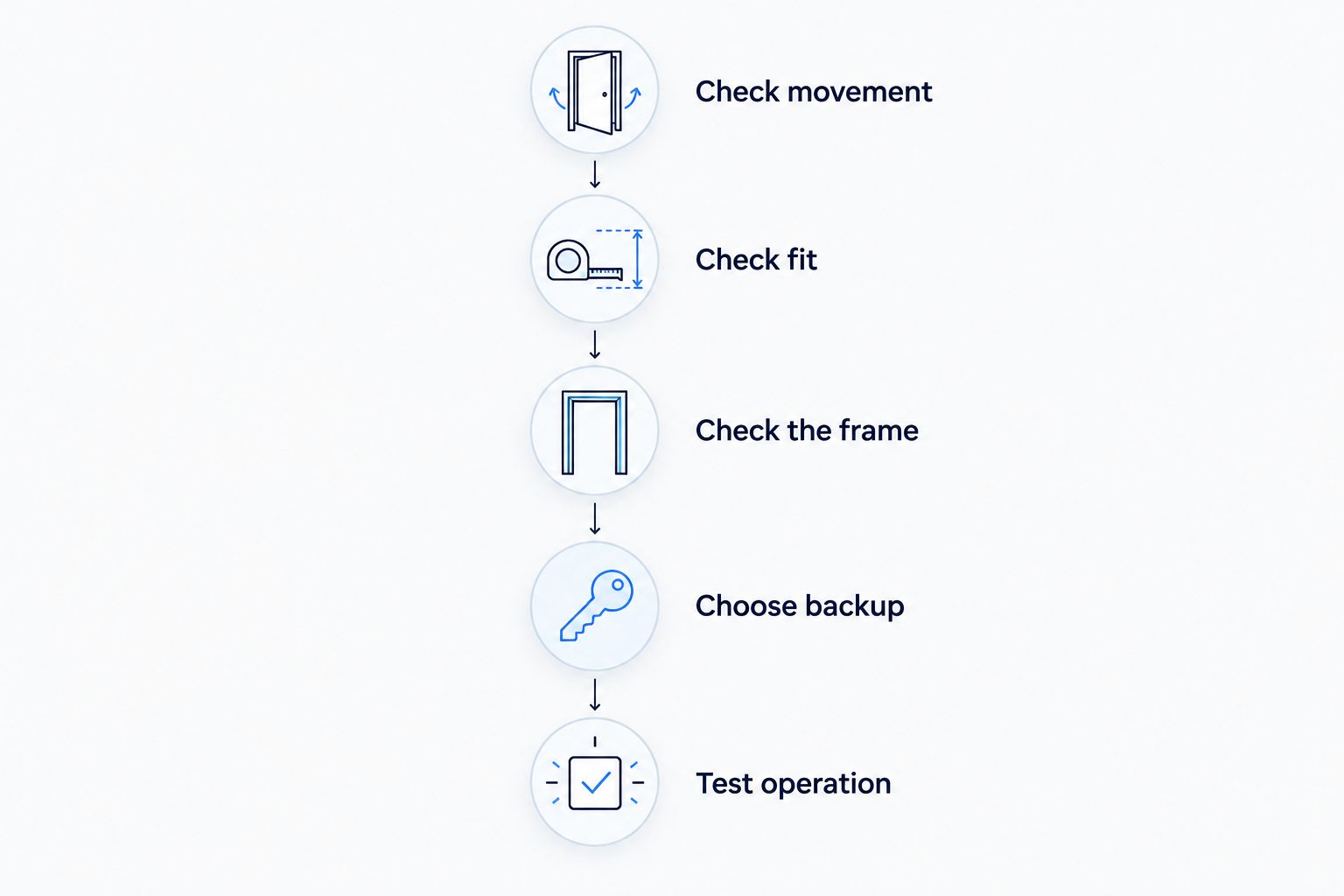
Use this sequence before buying any keyless system. It separates a hardware problem from a feature decision.
- Check movement: With the door open, operate the existing bolt. Then repeat with the door closed. Binding that appears only when closed calls for an alignment check.
- Check fit: Record the door measurements and existing hole preparation required by the prospective lock’s installation guide. Compare them directly.
- Check the frame: Inspect the strike area and frame for looseness, splitting, or damage. Do not treat electronic replacement hardware as a frame repair.
- Choose backup: Plan at least 2 entry methods that the selected model actually supports. Keep 1 spare key somewhere accessible outside the locked home if a keyed backup is part of that plan.
- Test operation: After installation, check locking, unlocking, code removal, and backup entry. Follow the manufacturer’s setup instructions rather than improvising.
The goal is 1 door that closes and locks correctly before you add convenience features. If it takes a hard push or pull to operate the existing bolt, address that first.
When lock service comes before a new system
A keyless upgrade and a lock change solve different problems. If someone still has an authorized physical key, changing a keypad code does not cancel that key.
Re-keying changes which key operates a compatible cylinder. Replacing the lock changes the hardware. Choose the job based on whether you need to change access, correct a hardware issue, or both.
Primeaccesslocksmith provides on-site lock changes and re-keying for Jacksonville residents and businesses. For your 2026 upgrade, explain whether the problem is lost keys, unwanted access, a sticking lock, or a desire for code entry. Those are different starting points.
Discuss your lock change
Get help with on-site lock changes and re-keying in Jacksonville and surrounding areas.
How the configurations are ranked
The ranking puts everyday local entry first, followed by preserving existing hardware, managing remote access, and fingerprint convenience. Each recommendation uses the same criteria: door fit, physical security, backup entry, access control, daily operation, and maintenance.
This is a configuration guide, not a product test. No named model receives a security rating or performance claim here. Use the guide to narrow your requirements, then verify the exact model’s documentation.
Which keyless entry system should you choose?
Choose a standalone keypad deadbolt if you want a practical default for code-based home entry. Choose a retrofit smart lock to retain compatible existing hardware, a connected smart deadbolt for remote guest management, or a fingerprint deadbolt for fingerprint-based daily access.
For a 2026 purchase, write down the feature you cannot do without before browsing. If that feature is simply opening the door without a key, remote connectivity is not automatically necessary.
FAQ
What are the best keyless entry systems for home security in 2026?
Standalone keypad deadbolts are the default choice for local code entry, while connected smart deadbolts suit remote guest management. Retrofit smart locks suit compatible existing hardware, and fingerprint deadbolts suit households that prefer fingerprint entry.
Is a smart lock more secure than a regular deadbolt?
Smart functionality alone does not establish greater physical security. Compare the actual hardware, door frame, installation, and access-management features rather than treating connectivity as a security rating.
Will a keyless door lock work without the internet?
A standalone keypad lock operates locally without an internet connection. Connected models differ, so verify which local entry methods remain usable when their network connection is unavailable.
What happens when a keyless lock battery dies?
Your entry options depend on the model’s documented backup procedure. Confirm whether it uses a physical key, external emergency power, or another method before relying on the lock.
Can I keep my existing house key with a smart lock?
A compatible retrofit design can retain the existing cylinder and its key. Confirm the installation arrangement and remember that retaining the cylinder also retains existing key access unless you re-key it.
Does changing my keypad code stop an old key from working?
Changing a keypad code does not disable a physical key that still operates the cylinder. Address physical-key access separately through suitable re-keying or hardware replacement.
Should I replace a sticking deadbolt with a keyless lock?
Diagnose the sticking before choosing replacement electronics. Door alignment, strike position, or damaged hardware can interfere with operation and need attention regardless of the entry method.
One last thing
Deleting a user code is not the same as removing every route into your home. When someone should no longer have access, check physical keys, app permissions, guest codes, and connected accounts separately. A new interface does not erase an old credential.