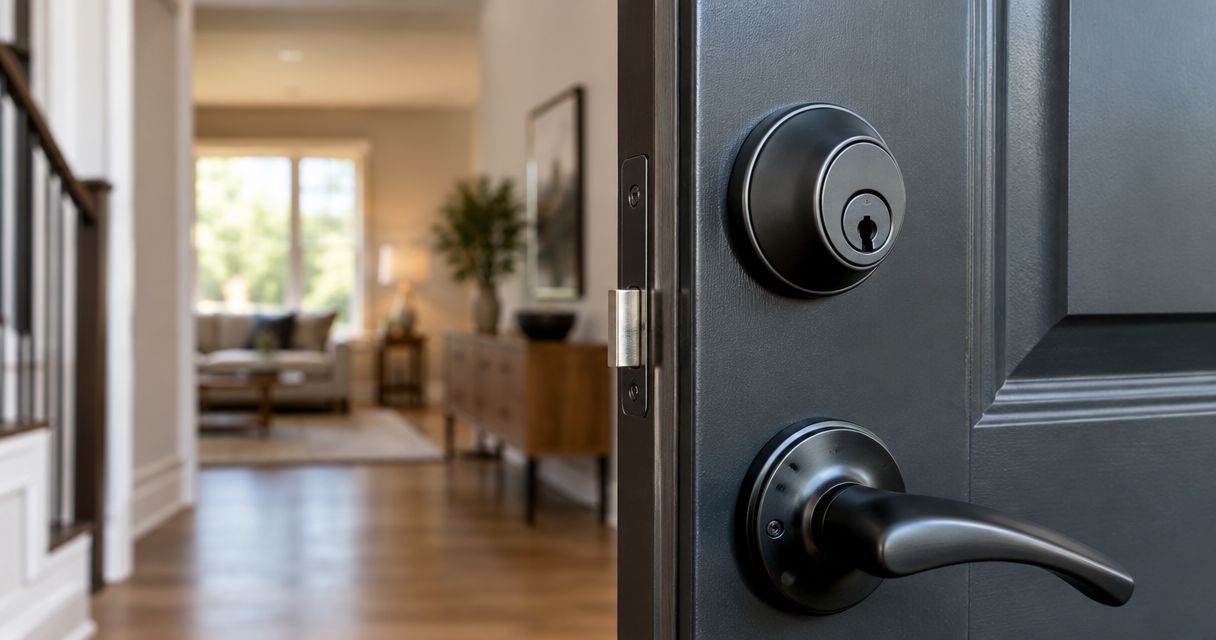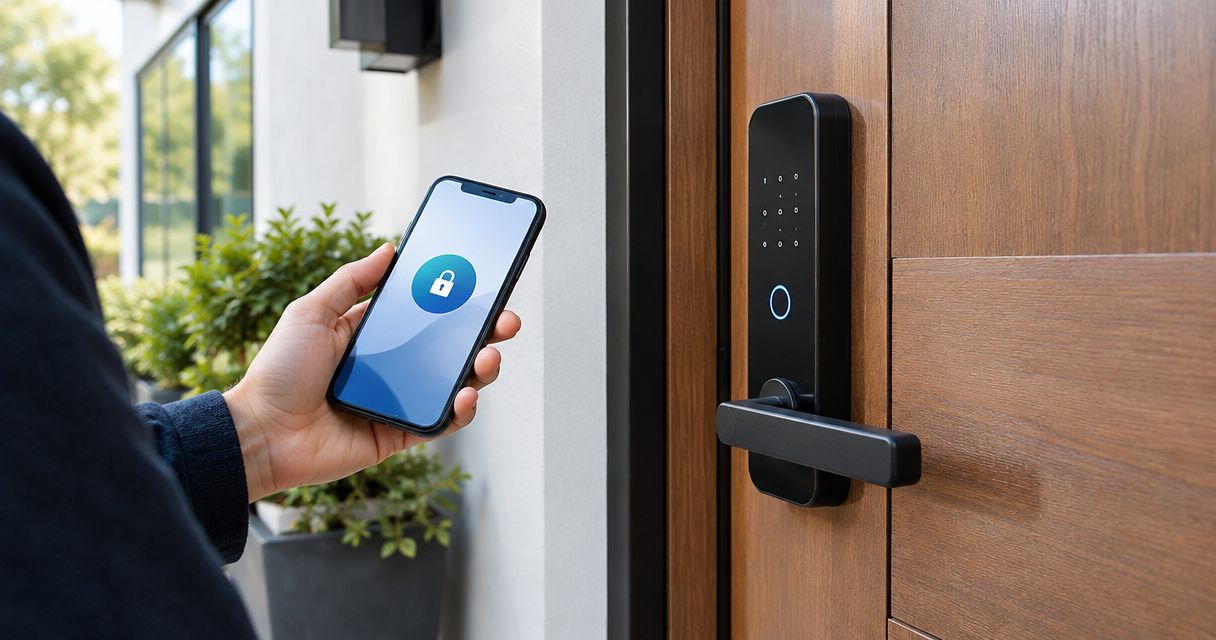
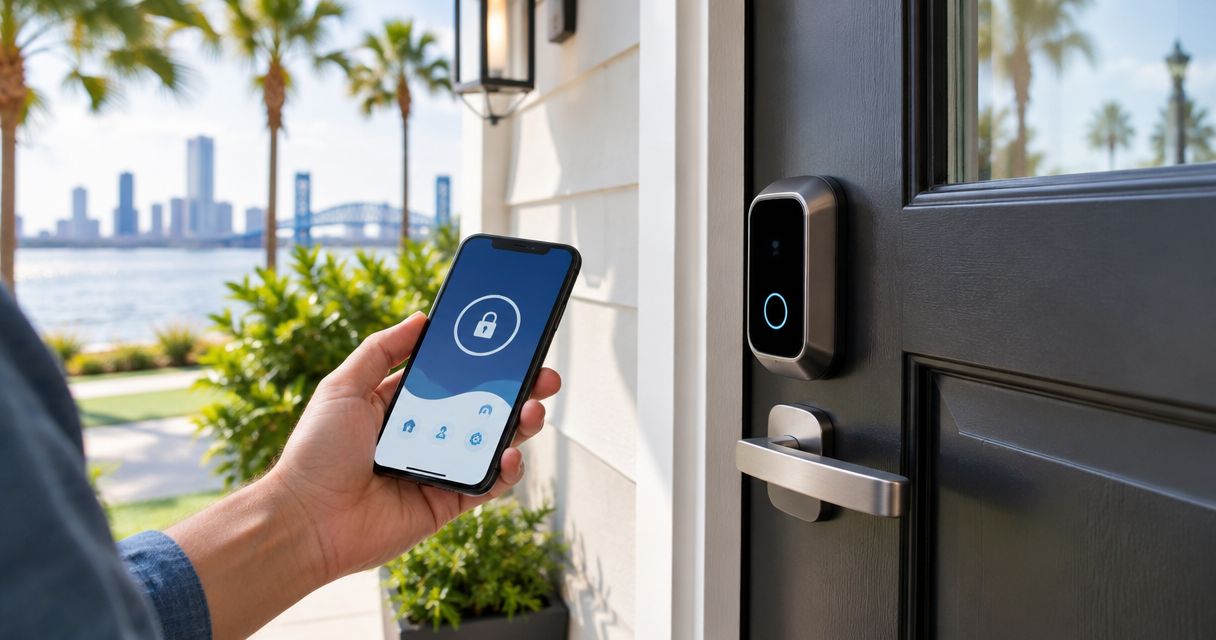
Best overall: Schlage Encode Plus. Best for guest-code access: Yale Assure Lock 2. Best for keeping your existing key: August Wi-Fi Smart Lock. Best for fingerprint entry: Aqara Smart Lock U100. These are the best smart locks for Jacksonville homes in 2026 by access method and installation needs—not a substitute for checking your door first.
- Schlage Encode Plus leads the best smart locks for Jacksonville homes for built-in Wi-Fi and Apple home keys.
- Yale Assure Lock 2 suits guest-code access; choose the connectivity version that matches your needs.
- August Wi-Fi Smart Lock retains a compatible existing deadbolt cylinder and exterior key.
- Aqara Smart Lock U100 suits households that want fingerprint access alongside keypad entry.
- Check door alignment, weather exposure, backup entry, and smart-home compatibility before choosing a lock.
Primeaccesslocksmith provides mobile locksmith services for Jacksonville homeowners who need on-site lock changes or re-keying. If your current deadbolt binds, address that mechanical problem before adding electronic access.
Why this matters
A smart lock changes how you operate a lock; it does not straighten a sagging door or repair a damaged frame. If you must lift the handle or push hard to turn the deadbolt, start with the door, hinges, and strike alignment.
For a Jacksonville home in 2026, exterior exposure deserves a separate check. A covered entry and an uncovered door present different conditions, so compare the manufacturer's installation requirements with the actual opening—not just the product photograph.
What makes the best smart locks for Jacksonville homes?
Use these criteria to choose your 2026 shortlist before comparing app features:
- Door compatibility: Confirm the lock type, door thickness, backset, bore preparation, and clearance around the interior housing.
- Access method: Choose between a keypad, fingerprint reader, phone access, or Apple home keys based on how your household enters.
- Backup entry: Check the physical key or other manufacturer-specified recovery method before relying on electronic access.
- Connectivity: Separate local unlocking from remote management. Wi-Fi, Bluetooth, and a compatible hub serve different purposes.
- Guest management: Look for individual credentials and the scheduling controls you actually need, rather than sharing your household code.
- Exposure and maintenance: Follow the model's environmental limits, battery instructions, and door-alignment requirements.
Choose the access method first, then confirm the exact model supports it. A shared product-family name does not mean every version has the same connectivity.
Smart locks at a glance
| Smart lock | Best for | Standout feature | Key limitation |
|---|---|---|---|
| Schlage Encode Plus | Connected front doors with Apple users | Built-in Wi-Fi and Apple home keys | Replaces the existing deadbolt; no fingerprint reader |
| Yale Assure Lock 2 | Households managing guest codes | Keypad access with multiple hardware and connectivity choices | Versions differ; not every configuration includes Wi-Fi |
| August Wi-Fi Smart Lock | Keeping the existing exterior key | Interior retrofit on compatible deadbolts | Requires a compatible existing deadbolt; keypad is separate |
| Aqara Smart Lock U100 | Fingerprint-first households | Fingerprint reader, keypad, and Apple home keys | Remote functions depend on compatible hub setup |
1. Schlage Encode Plus: best smart lock for Apple households
Schlage Encode Plus replaces a conventional deadbolt and combines a touchscreen keypad with built-in Wi-Fi. It also supports Apple home keys, allowing compatible Apple devices to serve as an entry credential.
That combination earns the overall recommendation: you can use keypad entry without requiring every visitor to install an app, while compatible Apple users get another way to enter. Choose it for those access methods, not because every household needs another connected device.
Schlage Encode Plus pros:
- Built-in Wi-Fi supports remote management without a separate Wi-Fi bridge.
- Apple home keys suit households already using compatible Apple devices.
- Keypad access gives visitors an alternative to phone-based entry.
- A physical key cylinder provides a mechanical entry option.
Schlage Encode Plus cons:
- Installation replaces the existing deadbolt rather than retaining its exterior cylinder.
- There is no fingerprint reader.
- Apple home keys require compatible Apple hardware and setup.
Check your front-door Wi-Fi before choosing Schlage Encode Plus. Its Wi-Fi connection uses the 2.4 GHz band; confirm that your network setup supports it where the lock will sit, with the door closed.
Best for: Homeowners who want Wi-Fi management, keypad access, and Apple home keys in one replacement deadbolt.
Verdict: Buy Schlage Encode Plus if those access methods match your household and the door meets its installation requirements.
2. Yale Assure Lock 2: best smart lock for guest-code access
Yale Assure Lock 2 is a replacement smart-lock family built around keypad entry. The range includes different keypad, key-cylinder, and connectivity configurations, so the exact version matters more than the family name alone.
For households that regularly admit relatives, cleaners, or other authorized visitors, individual entry codes provide a practical alternative to handing out keys. Confirm the selected configuration supports the remote access and credential controls you intend to use.
Yale Assure Lock 2 pros:
- Keypad entry lets authorized visitors enter without carrying your physical key.
- Hardware choices let you select keyed or key-free configurations.
- Individual credentials support separate access for different users.
- Connectivity choices let you match the lock to your intended setup.
Yale Assure Lock 2 cons:
- Wi-Fi capability is not identical across every configuration.
- Key-free versions do not offer a conventional key-cylinder backup.
- Similar product names make checking the exact feature list essential.
Do not assume the standard Yale Assure Lock 2 includes Apple home keys or a fingerprint reader. Yale uses additional model names for those features; match the complete name on the manufacturer's specification sheet to the lock you select.
Best for: Homeowners whose main priority is managing keypad access for household members and recurring visitors.
Verdict: Buy Yale Assure Lock 2 for guest-code access after confirming the precise hardware and connectivity configuration.
3. August Wi-Fi Smart Lock: best smart lock for keeping your key
August Wi-Fi Smart Lock mounts on the inside of a compatible existing deadbolt. The exterior key cylinder stays in place, making this a different decision from replacing the entire lock.
That matters when retaining the current exterior appearance or key is the priority. It also means the condition and compatibility of the existing deadbolt remain central: a retrofit does not replace a worn cylinder or fix a bolt that drags.
August Wi-Fi Smart Lock pros:
- Retains the exterior cylinder and existing mechanical key on compatible installations.
- Adds connected operation without replacing the outside hardware.
- Built-in Wi-Fi supports remote functions without a separate Wi-Fi bridge.
- Fits households that prefer phone-based access over a built-in exterior keypad.
August Wi-Fi Smart Lock cons:
- Compatibility depends on the existing deadbolt and door setup.
- Exterior keypad entry requires a separate compatible keypad.
- Retaining the cylinder also retains its existing key access unless you re-key it.
If an unaccounted-for key prompted your purchase, keeping that cylinder unchanged leaves the original concern unresolved. Primeaccesslocksmith provides on-site re-keying services; address who holds working keys separately from how you operate the lock electronically.
Best for: Homeowners who want connected entry while keeping a compatible exterior cylinder and key.
Verdict: Buy August Wi-Fi Smart Lock for a compatible, smoothly operating deadbolt—not as a repair for failing hardware.
4. Aqara Smart Lock U100: best smart lock for fingerprint entry
Aqara Smart Lock U100 combines a fingerprint reader with a keypad, a physical key option, and Apple home key support. It replaces the deadbolt rather than attaching to the existing interior thumbturn.
Fingerprint access is the reason to put Aqara Smart Lock U100 on this shortlist. It gives household members a way to enter without remembering a code or reaching for a phone, while other entry methods remain available.
Aqara Smart Lock U100 pros:
- A built-in fingerprint reader provides an alternative to code entry.
- The keypad supports another access method for authorized users.
- Apple home keys support compatible Apple devices.
- A physical key provides a separate entry option.
Aqara Smart Lock U100 cons:
- Remote functions require attention to compatible Aqara hub requirements.
- It replaces the existing deadbolt and changes the exterior hardware.
- Fingerprint access does not remove the need to maintain a backup entry method.
Distinguish local entry from remote control before choosing Aqara Smart Lock U100. Being able to unlock at the door does not establish that your current network or smart-home equipment supports every remote feature.
Best for: Households that specifically want fingerprint entry with keypad and compatible Apple access alternatives.
Verdict: Buy Aqara Smart Lock U100 when fingerprint access is the priority and you accept the required connectivity setup.
Check your door before choosing a smart lock
Start with the mechanical fit. Common residential backsets are 2⅜ inches and 2¾ inches, measured from the door edge to the center of the lock bore; compare your measurement with the selected lock's instructions rather than assuming compatibility.
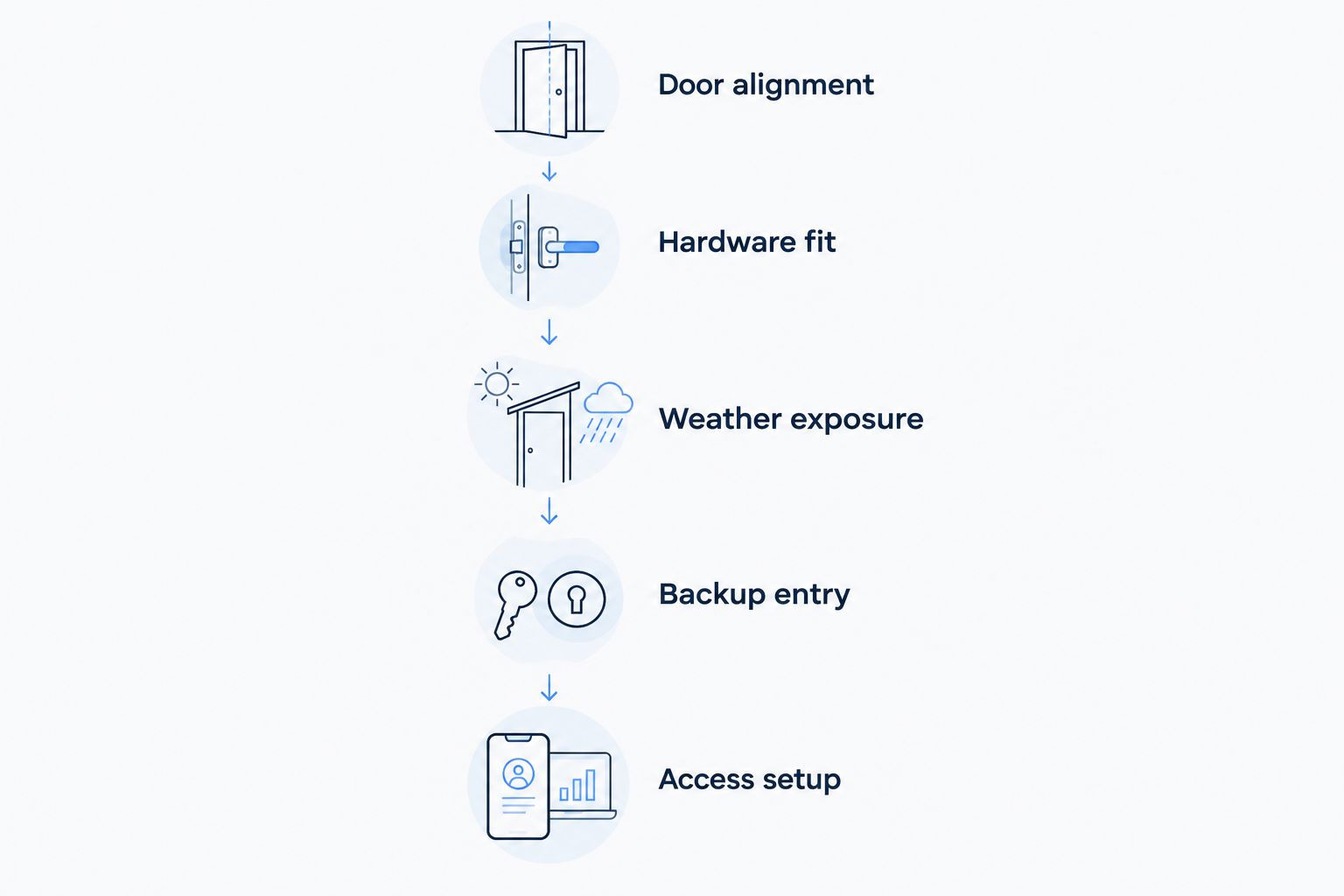
Use this sequence before removing the existing hardware:
- Door alignment: With the door closed, confirm the deadbolt extends and retracts without pushing, pulling, or lifting the door.
- Hardware fit: Check door thickness, bore dimensions, backset, and clearance from nearby handles or trim.
- Weather exposure: Compare the actual doorway with the manufacturer's environmental and installation limits.
- Backup entry: Decide how you will enter if batteries run down or your usual credential is unavailable.
- Access setup: Confirm the required phone, network, hub, and visitor credentials before installation.
An exposed exterior keypad does not make the interior electronics suitable for outdoor exposure. Follow the installation orientation and limits for the exact model, especially on gates or openings that do not resemble a standard enclosed front door.
How these smart locks are ranked
This 2026 ranking prioritizes distinct household needs: connected front-door access, guest codes, retaining an existing cylinder, and fingerprint entry. Door compatibility, backup access, connectivity requirements, and installation trade-offs determine the recommendation—not a claimed hands-on test score.
No single access method wins for every household. A retrofit is the wrong answer when you need a new cylinder, and fingerprint entry adds little if your priority is giving visitors keypad access.
Which smart lock should you choose?
Choose Schlage Encode Plus as the default in 2026 if you want built-in Wi-Fi, keypad entry, and Apple home keys. Choose Yale Assure Lock 2 for guest-code access, August Wi-Fi Smart Lock to retain a compatible exterior cylinder, or Aqara Smart Lock U100 for fingerprints.
For the underlying door hardware, Primeaccesslocksmith provides mobile locksmith services for Jacksonville homeowners who need on-site lock changes or re-keying. Separate that mechanical work from the smart-feature decision: the door must lock properly before remote control becomes useful.
Discuss your lock change
Ask about on-site lock changes or re-keying for your Jacksonville home.
FAQ
What's the best smart lock for a Jacksonville home in 2026?
Schlage Encode Plus is the default recommendation for homeowners who want built-in Wi-Fi, keypad entry, and Apple home keys. Confirm door compatibility, exterior exposure, and network requirements before choosing it.
Which smart lock lets me keep my existing house key?
August Wi-Fi Smart Lock retains the exterior cylinder and key on compatible deadbolts. If you need to invalidate missing or previously shared keys, address re-keying separately.
Is Yale Assure Lock 2 better than Schlage Encode Plus?
Yale Assure Lock 2 is the shortlist choice for households focused on guest-code access and configuration choices; Schlage Encode Plus is the default for built-in Wi-Fi and Apple home keys. Compare exact Yale versions because connectivity and access features differ.
Which smart lock should I choose for fingerprint entry?
Aqara Smart Lock U100 is the fingerprint-focused recommendation in this shortlist. It also offers keypad entry, a physical key option, and Apple home key support; check compatible hub requirements for remote functions.
Will a smart lock still work if my internet goes down?
An internet outage does not automatically disable local entry. Physical keys and supported local credentials remain separate from internet-dependent remote features; check the exact model's operating instructions.
Can I install a smart lock if my deadbolt sticks?
Fix the sticking deadbolt before adding smart operation. Check alignment and hardware condition rather than expecting an electronic motor to overcome a mechanical problem.
Can a Jacksonville locksmith change or re-key my existing lock?
Primeaccesslocksmith provides on-site lock change and re-key services in Jacksonville and surrounding areas. Describe the existing hardware and the access problem when discussing the work.
One last thing
Deleting an app user does not invalidate a physical key. If your reason for changing access is a lost key, a move, or a former occupant, include the cylinder in your plan—especially when choosing a retrofit that keeps the existing exterior hardware.