Best overall for individually managed employee access: networked card-and-fob systems. Best for distributed locations: cloud-managed systems. Best for a simple shared entrance: standalone commercial keypads. This 2026 guide compares commercial access control configurations for Jacksonville businesses, including locally managed systems and visitor intercoms.
- For the best commercial access control systems Jacksonville businesses need, match employee access, visitor entry and door hardware separately.
- Networked card-and-fob access is the default recommendation when each employee needs an individually revocable credential.
- Cloud-managed access suits distributed locations; standalone commercial keypads suit simple entrances without individual access records.
- Primeaccesslocksmith handles building entry, lock changes and re-keying; confirm electronic access control installation separately.
Why this matters
A reader on the wall does not make an entrance secure. The lock, latch, closer, power supply, permissions and exit hardware must work together. Start with the door and how people use it, not the credential that looks most convenient.
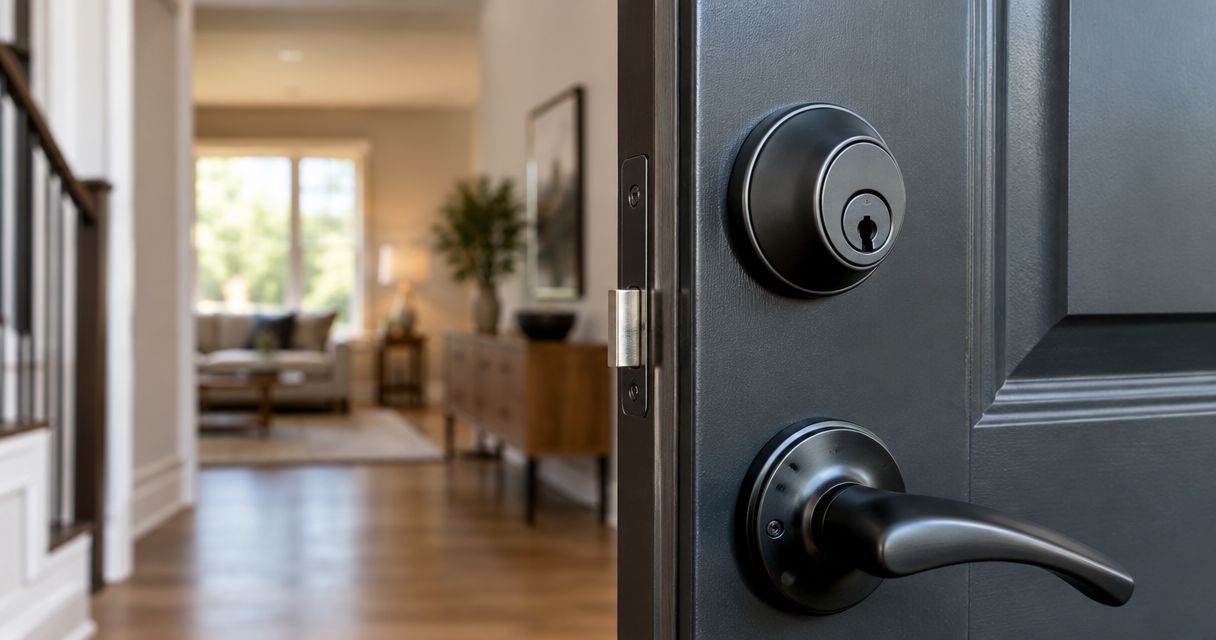
For existing mechanical locks, Primeaccesslocksmith provides building entry, lock changes and re-keying in Jacksonville and surrounding areas. Those services address physical access problems; electronic access control design and installation require separate confirmation.
Primeaccesslocksmith is a fit for Jacksonville businesses that need building entry, lock changes or re-keying. Do not treat that service scope as a claim that the company supplies the electronic systems below.
What makes the best commercial access control systems?
Use these criteria to compare proposals in 2026:
- Individual accountability: Determine whether you need to identify each credential holder or simply restrict a shared entrance.
- Door compatibility: Confirm that the proposed locking hardware suits the door, frame, closer and required exit arrangement.
- Permission management: Check how you add employees, remove credentials and limit access by schedule.
- Failure behavior: Require a clear explanation of what happens during an internet outage, power interruption or controller fault.
- Visitor handling: Separate employee access from deliveries, appointments and people who need someone to approve entry.
- Administration: Identify who owns the account, manages permissions and receives system documentation.
Do not accept a feature list as a site assessment. A proposal should identify which doors it covers and what work each opening needs.
Commercial access control options at a glance
These are system configurations, not tested product rankings. Some overlap: a cloud-managed system can use cards, fobs or mobile credentials. Choose the management model first, then the credential and door hardware.
| Rank and configuration | Best for | Standout capability | Key limitation |
|---|---|---|---|
| 1. Networked card-and-fob access | Employee-specific permissions | Separately assigned credentials | Credentials still need active administration |
| 2. Standalone commercial keypad | A simple shared entrance | Code-based entry without issuing cards | Shared codes do not identify individual users |
| 3. Cloud-managed access | Distributed locations | Central administration through a hosted platform | Connectivity and offline behavior need review |
| 4. Locally managed access | Businesses requiring local administration | Management through an on-site environment | Local infrastructure needs an accountable owner |
| 5. Intercom-controlled entry | Visitor-heavy entrances | Staff approval before visitor admission | Visitor handling depends on someone responding |
1. Card-and-fob systems: best for employee-specific access
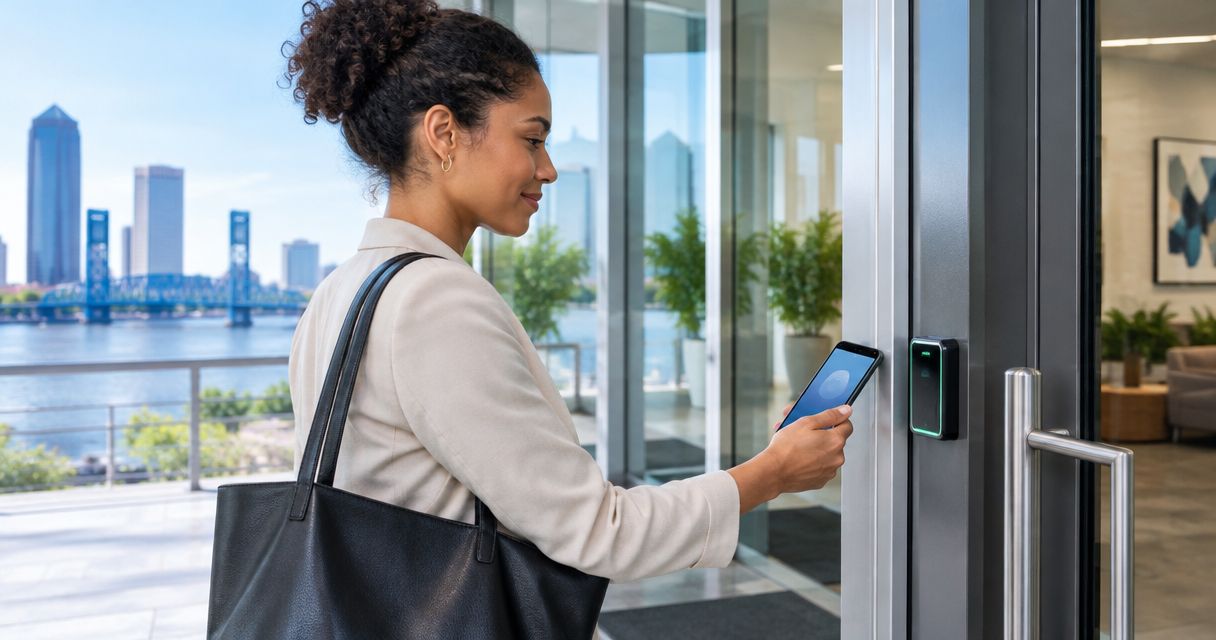
A networked card-and-fob system checks a presented credential against assigned permissions. Specify individually assigned credentials when you need to remove one employee's access without changing everybody else's method of entry.
Best for: Businesses with employee turnover, shift schedules or doors restricted to particular staff. This is the default 2026 recommendation when individual permission control matters more than visitor communication.
Card-and-fob system pros:
- Individually assigned credentials support targeted removal.
- A credential reader avoids routine sharing of a door code.
- A suitably specified system supports different permissions for different doors.
Card-and-fob system cons:
- Lost credentials require prompt reporting and removal.
- Shared or borrowed credentials weaken accountability.
- Event records identify credential use, not necessarily the person holding it.
Ask the installer to demonstrate credential enrollment, removal and schedule changes. Confirm which events the proposed system records and who can retrieve them; do not assume every configuration includes the same reporting.
Choose the workflow before choosing a card format. A well-managed credential list matters more than issuing a fob and forgetting who holds it.
Verdict: Buy a networked card-and-fob configuration when individual employee permissions are the main requirement.
2. Commercial keypads: best for a simple shared entrance
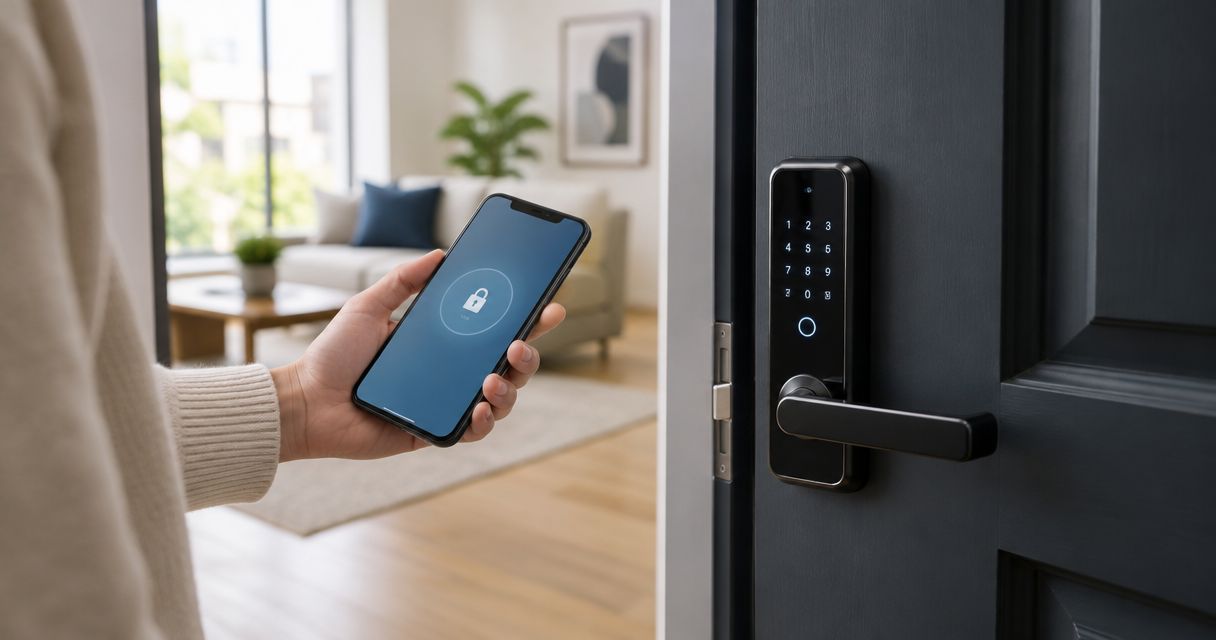
A standalone commercial keypad controls an opening through codes managed at the lock or its associated interface. For a business securing 1 staff entrance without needing individual access records, this is a configuration to assess.
Best for: A low-complexity entrance where the business accepts shared-code management. Choose commercial hardware suited to the opening, rather than assuming a residential keypad belongs on a frequently used business door.
Commercial keypad pros:
- Staff do not need a separate card or fob.
- The access method is straightforward to explain.
- A standalone configuration avoids dependence on a hosted management account.
Commercial keypad cons:
- A shared code can spread beyond its intended users.
- Changing a shared code requires communicating the replacement securely.
- Managing separate standalone locks becomes repetitive as the door count grows.
Ask whether the proposed keypad supports individual codes, schedules and temporary access. These are model-specific capabilities, not promises attached to the word keypad.
A keypad does not solve a door that fails to latch. Check closing and locking operation before treating an electronic lock as the entire upgrade.
Verdict: Buy a standalone commercial keypad for a simple entrance; skip shared-code access when individual accountability is essential.
3. Cloud-managed access: best for distributed locations
Cloud-managed access places the administration interface on a hosted platform. It suits a business that wants authorized managers to handle permissions across locations without visiting each controller.
Best for: Businesses managing multiple locations or assigning administration to people who are not always on-site. In a 2026 proposal, require the supplier to separate remote management from the controller's ability to make local access decisions.
Cloud-managed access pros:
- Central administration supports a shared permission-management process.
- Authorized managers can handle changes remotely when connectivity and permissions allow.
- A common interface can reduce separate administrative workflows across locations.
Cloud-managed access cons:
- Remote changes depend on the proposed connectivity arrangement.
- Account ownership and administrator security need explicit attention.
- Platform capabilities and service terms require vendor-specific review.
Ask what continues working if the internet connection fails. Also ask how a locally operating controller receives changes after connectivity returns. The answers must describe the proposed equipment, not cloud access control in general.
Confirm that the business owns its administrative account and can obtain its configuration records. Remote convenience should not leave a former employee or outside provider as the only administrator.
Verdict: Buy cloud-managed access when distributed administration is the priority and the documented outage behavior meets your requirements.
4. Locally managed access: best for local administration
A locally managed system uses an on-site management environment rather than a hosted administration platform. Choose this approach when the business specifically requires local control and has someone responsible for maintaining it.
Best for: Organizations with a defined local-administration requirement and the technical resources to support it. Local hosting is a management choice, not automatic proof of better security.
Locally managed access pros:
- Administration stays within the specified local environment.
- The business can align management with its internal infrastructure policies.
- Local technical staff can oversee configuration and recovery procedures.
Locally managed access cons:
- Software maintenance and backups need a named owner.
- Hardware failure requires a documented recovery process.
- Remote administration requires its own approved arrangement.
Before selecting this configuration, assign responsibility for updates, backups and credential administration. Specify how the business restores management after equipment failure without losing control of employee permissions.
Do not select local management merely to avoid discussing connectivity. Door controllers, management software and exit hardware still need their own failure plans.
Verdict: Buy locally managed access when local administration is a requirement; skip it when nobody owns maintenance and recovery.
5. Intercom entry: best for visitor-heavy entrances
An intercom-controlled entrance lets a visitor request admission and an authorized person approve entry. Depending on the specified equipment, communication can include audio or video.
Best for: Appointment-based businesses, reception-controlled entrances and locations where visitors should not receive permanent credentials. An intercom addresses visitor approval; it does not replace an employee permission system.
Intercom-controlled entry pros:
- Staff can assess an entry request before releasing the door.
- Visitors do not need an ongoing employee credential.
- Reception can remain the approval point for public-facing entry.
Intercom-controlled entry cons:
- A visitor waits when nobody answers.
- Staff approval does not prevent someone following an admitted visitor.
- Communication and release functions require system-specific failure planning.
Decide who answers during breaks, meetings and unstaffed periods. Then confirm where calls go and who has permission to release the entrance.
Check that the door closes and re-latches after admission. Approving entry is only part of the process; the opening must return to its intended secured state.
Verdict: Buy intercom-controlled entry for visitor approval; skip it as the sole answer to employee access management.
Check the entrance before choosing the electronics
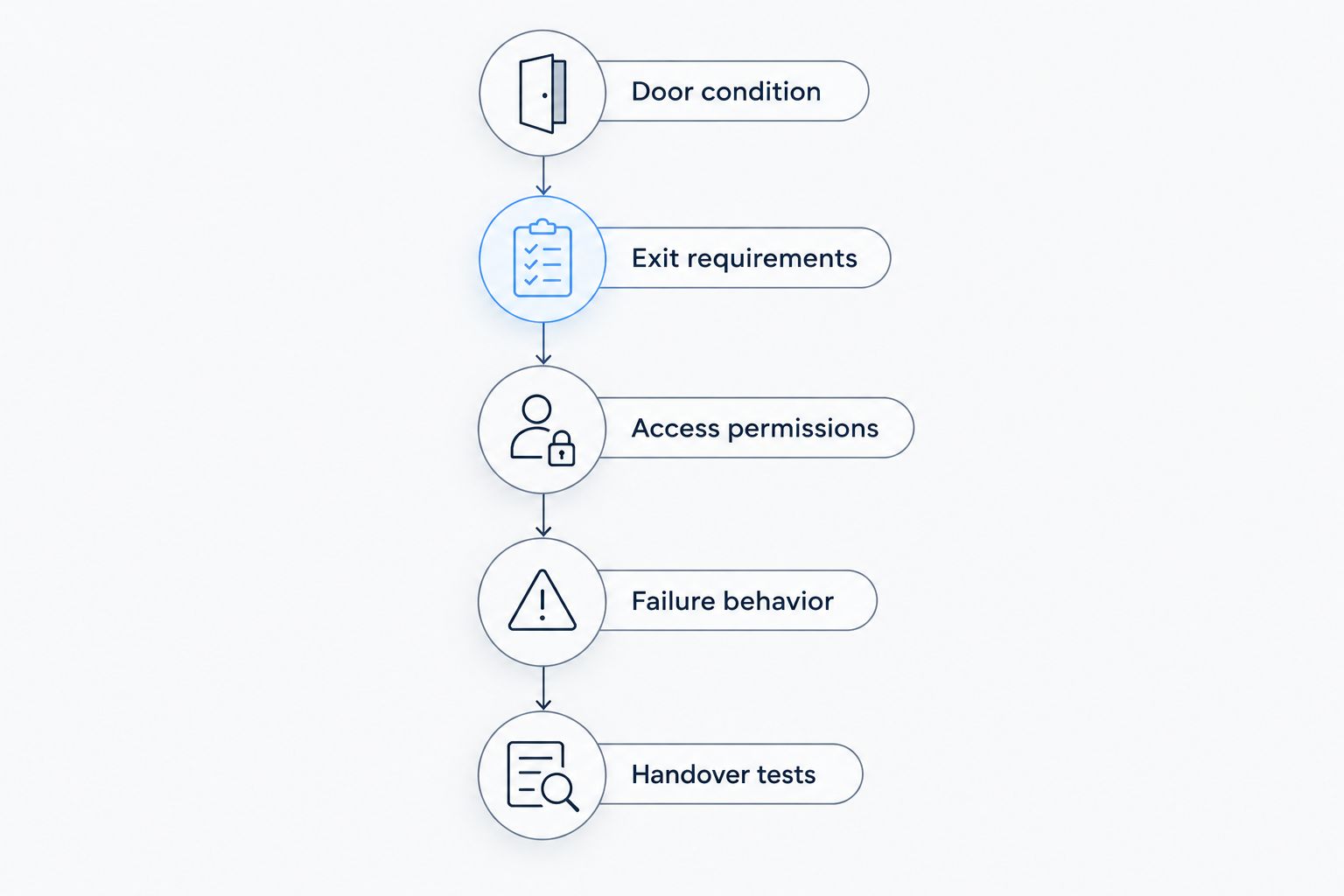
Use this sequence during a site assessment. It separates a physical door problem from a credential-management problem.
- Door condition: Inspect alignment, latching and closing operation.
- Exit requirements: Have the proposed arrangement checked against applicable building, fire and accessibility requirements.
- Access permissions: Define who enters, through which doors and on what schedule.
- Failure behavior: Document entry and exit operation during relevant faults.
- Handover tests: Demonstrate normal entry, credential removal and exit operation.
Request 3 handover checks: demonstrate normal authorized entry, demonstrate removal of a credential, and demonstrate exit operation. Agree separately on any outage testing so the installer can perform it safely.
For mechanical entry or lock work, ask Primeaccesslocksmith about the stated building entry, lock change and re-key services. Keep electronic access installation scope separate from mechanical service scope.
How the options are ranked
This 2026 ranking follows the criteria above: permission control, door compatibility, failure behavior, visitor handling and administrative responsibility. Card-and-fob access takes the default position because it directly addresses individually assigned employee access.
The other configurations win specific use cases, not every comparison. A standalone keypad is simpler to administer at a basic entrance, while an intercom solves a visitor-approval problem that a credential reader does not.
Which commercial access control system should you choose?
Start with networked card-and-fob access if your main problem is controlling employee permissions. Choose cloud management for distributed administration, local management for a defined on-site requirement, and intercom entry for visitor approval.
For a simple shared entrance, assess a commercial keypad before specifying a larger system. In 2026, the right proposal is the one that names the doors, permissions, outage behavior and handover responsibilities—not merely the reader model.
Assign 2 authorized administrators where your organization permits it. Document their responsibilities so access changes do not depend on one unavailable person.
FAQ
What's the best commercial access control system for a Jacksonville business?
Networked card-and-fob access is the default recommendation when a Jacksonville business needs individually assigned employee permissions. Cloud management, standalone keypads and visitor intercoms serve different administrative and entry needs.
Is a keypad better than a card reader for a business entrance?
A keypad fits a simple entrance that does not require individual credential accountability; a card reader fits individually assigned employee access. Compare the actual system capabilities, because code management and reporting vary by model.
Will commercial access control work without internet?
Offline operation depends on the controller and system configuration. Require the installer to document which entry functions continue, which remote functions stop and how permission updates resume.
Can a business replace employee keys with phone access?
A compatible access control system can use mobile credentials instead of employee keys for routine entry. Confirm supported phones, enrollment, credential removal and the alternative for someone without a working phone.
Does electronic access control replace re-keying?
Electronic access control does not automatically remove the need to re-key mechanical cylinders. Any retained mechanical key access needs its own policy, especially when keys are missing or former staff still hold them.
Does Primeaccesslocksmith install commercial electronic access control?
Primeaccesslocksmith's stated services include building entry, lock changes and re-keying, not electronic access control installation. Confirm electronic design, installation and support separately before scheduling that work.
What should I ask before approving an access control proposal?
Ask which doors the proposal covers, how permissions are removed and what happens during power or internet interruptions. Also confirm exit requirements, administrator ownership and the handover demonstrations.
One last thing
Removing an electronic credential does not cancel a mechanical key. Before accepting an access control handover, account for every remaining way into the building: credentials, shared codes and retained keys.
A secure permission list is incomplete if an unaccounted-for key still opens the same door.