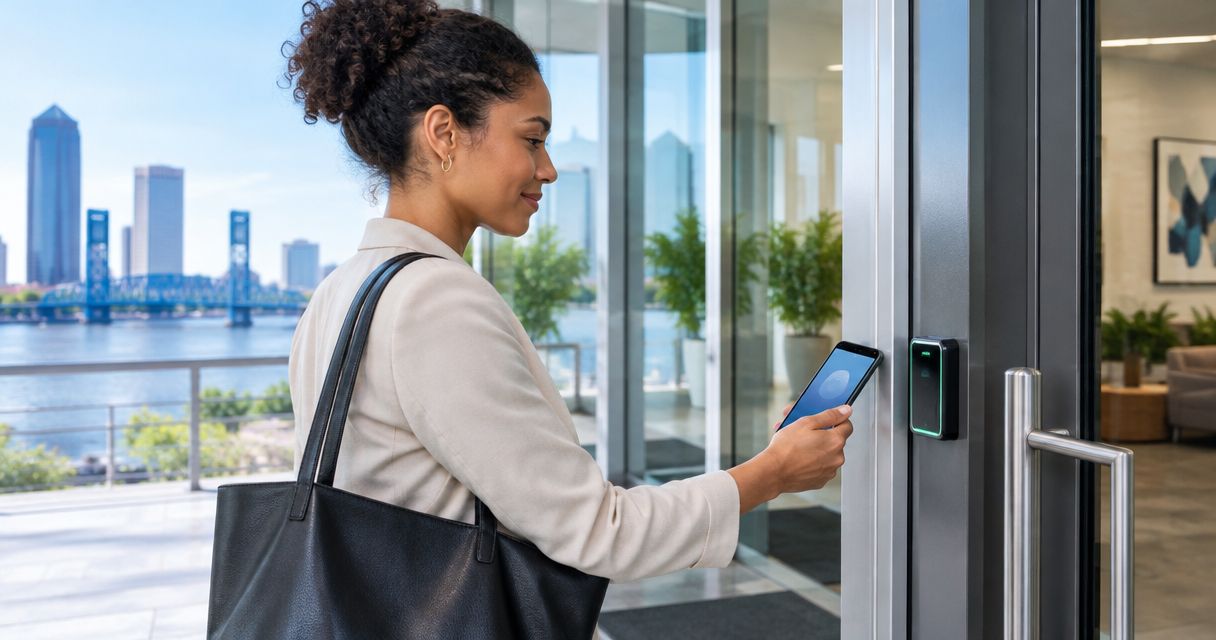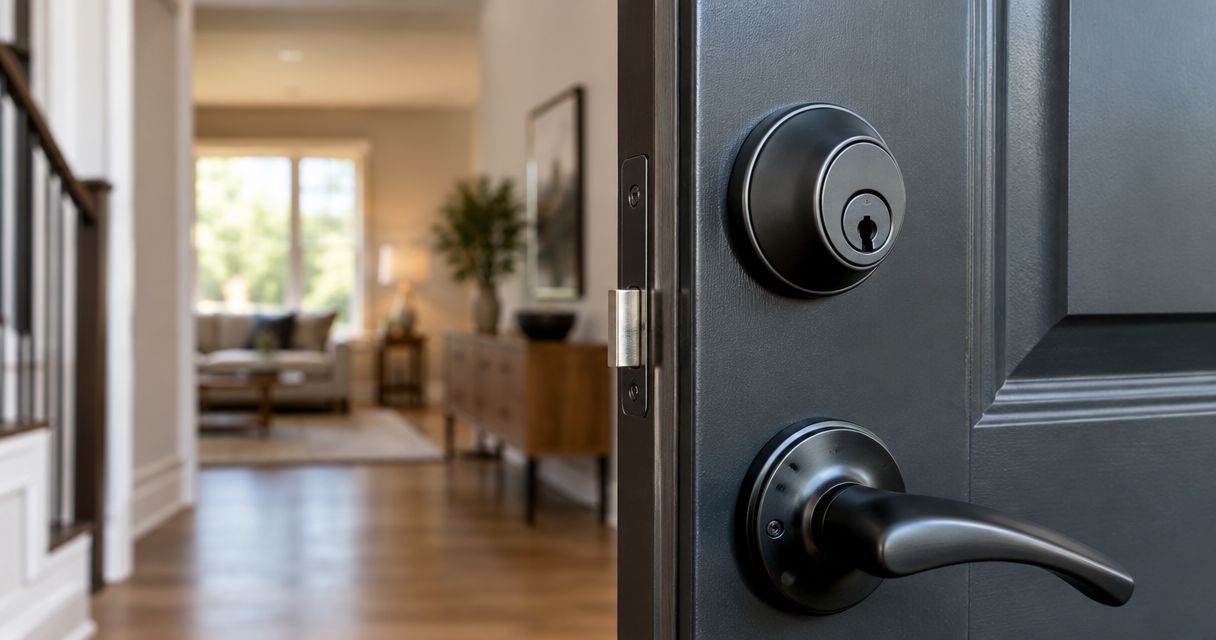
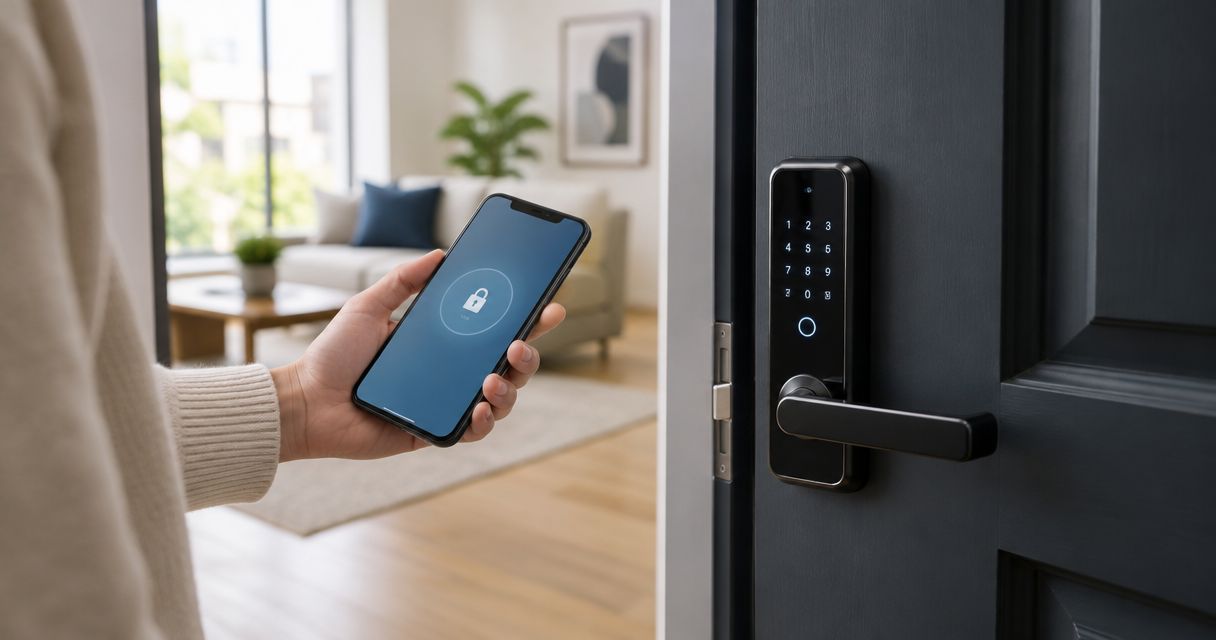
Best overall for long-term rentals: standalone keypad deadbolts. Best for short stays: connected keypad deadbolts. Best for managed portfolios: centrally managed access systems. The best electronic door locks for rental properties in 2026 match how you handle tenant turnover, emergency entry and access removal—not how many features appear on the box.
- The best electronic door locks for rental properties match your turnover process, door hardware and backup-entry plan.
- Standalone keypad deadbolts suit long-term rentals; connected keypad deadbolts suit remotely managed short stays.
- Centrally managed access systems suit portfolios that need coordinated permissions across multiple doors.
- Primeaccesslocksmith serves Jacksonville rental owners needing on-site lock changes or re-keying.
Why this matters
A rental lock has two jobs: secure the door and let you control who enters. Electronic entry changes the credential from a physical key to a code, phone credential or managed permission. It does not remove the need to maintain the door or plan for failures.
For your 2026 purchase, start with turnover. A long-term tenant needs dependable daily access; a short-stay guest needs access that starts and ends with the reservation. Those are different requirements.
Primeaccesslocksmith provides mobile building entry, lock changes and re-keying in Jacksonville and surrounding areas. Primeaccesslocksmith is best for Jacksonville rental owners who need on-site lock changes or re-keying.
What makes the best electronic locks for rentals
Use these criteria before comparing individual models. A lock that fails a required criterion is the wrong choice, regardless of its other features.
- Access removal: Require a clear way to delete a departing tenant’s or guest’s credential without disrupting everyone else.
- Door compatibility: Check door thickness, existing holes, handing, latch dimensions and clearance against the exact model’s instructions.
- Failure recovery: Confirm how authorized entry works after a depleted battery, lost phone or network outage.
- Management fit: Decide whether you need changes made at the door, remotely or across a portfolio.
- Physical security: Check the exact model’s published security certification, strike requirements and installation instructions. Electronic operation alone is not a security rating.
- Resident usability: Choose an entry method residents can use without unnecessary accounts, apps or shared credentials.
Electronic rental locks at a glance
These are lock categories, not interchangeable product specifications. Within each category, verify the exact model’s functions before ordering.
| Rank and option | Best for | Standout selection criterion | Key limitation |
|---|---|---|---|
| 1. Standalone keypad deadbolt | Long-term rentals with local management | Code management directly at the lock | Access changes require an on-site process |
| 2. Connected keypad deadbolt | Remotely managed short stays | Remote credential changes and scheduled access | Remote functions depend on the connection setup |
| 3. Centrally managed access system | Portfolios and shared entrances | Coordinated permissions across doors | More administration and system planning |
| 4. Retrofit smart lock | Rentals retaining compatible exterior hardware | Interior-side automation of an existing deadbolt | Existing cylinder and mechanical wear remain |
| 5. Electronic lever lock | Interior rooms and approved secondary doors | Credential-controlled latch operation | Not a universal replacement for an exterior deadbolt |
1. Standalone keypad deadbolt: best for long-term rentals
A standalone keypad deadbolt accepts entry codes and is managed at the door rather than through a remote service. It suits a rental where tenant changes are infrequent and someone can visit the property to update access.
For a 2026 long-term rental, prioritize straightforward code deletion, clear battery warnings and an entry method that does not require a resident’s phone. Check whether programming requires access to the interior assembly and keep those instructions in your maintenance records.
Standalone keypad deadbolt pros:
- Residents can enter without carrying a physical key.
- Daily code entry does not require a remote-management connection.
- Local programming keeps the access workflow straightforward.
Standalone keypad deadbolt cons:
- You need an on-site process for credential changes.
- Remote status checks are outside this category’s basic purpose.
- A shared code is difficult to attribute to a particular user.
Best for: A locally managed house or apartment with long-term tenants.
Verdict: Buy a standalone keypad deadbolt when reliable local access matters more than remote administration.
2. Connected keypad deadbolt: best for short-stay rentals
A connected keypad deadbolt combines keypad entry with remote-management functions. Select a model that explicitly supports the scheduling and credential controls your rental needs; connectivity does not guarantee either feature.
The key distinction is local entry versus remote control. A lock’s keypad, wireless bridge, router and management service have separate roles. Ask what still works when each connection fails, rather than accepting a general statement that the lock works offline.
Connected keypad deadbolt pros:
- A compatible setup lets you change access without visiting the property.
- Scheduled credentials support defined arrival and departure windows.
- Separate guest and maintenance credentials keep access assignments distinct.
Connected keypad deadbolt cons:
- Remote functions depend on the required network and service connections.
- Account permissions become part of your property’s security.
- Integrations need verification for the exact lock and management platform.
Best for: Short stays where the owner or manager needs remote credential control.
Verdict: Buy a connected keypad deadbolt when remote turnover management is a requirement, not a novelty.
3. Centrally managed access: best for rental portfolios
A centrally managed access system coordinates credentials across multiple doors. That matters when staff, contractors or residents need different permissions for unit doors, shared entrances and service areas.
Treat a 2026 portfolio purchase as an access-management project, not a bulk lock order. List every door, every user group and who can grant or revoke entry. Then check whether the proposed system supports that structure without unnecessary administrator access.
Centrally managed access system pros:
- A shared management environment coordinates permissions across compatible doors.
- Role-based access separates resident, contractor and administrator responsibilities.
- Central records support a consistent access-removal process.
Centrally managed access system cons:
- Configuration and account administration require clear ownership.
- Compatibility limits which locks and credentials work together.
- Shared entrances introduce egress and building requirements beyond a single unit door.
Best for: Owners or managers coordinating access across multiple rental units or shared spaces.
Verdict: Buy centrally managed access when separate lock-by-lock administration no longer fits your operation.
4. Retrofit smart lock: best for retaining exterior hardware
A retrofit smart lock operates an existing compatible deadbolt from the interior side. Depending on the design, the exterior cylinder remains in place while an interior mechanism turns the lock.
Compatibility is the first decision. Confirm the exact deadbolt, tailpiece, door clearance and permitted installation arrangement before choosing features. Keeping the existing cylinder also means keeping its key-control history unless you address that separately.
Retrofit smart lock pros:
- Compatible designs retain the existing exterior appearance.
- Existing mechanical key access remains where the design supports it.
- Interior-side changes suit situations where exterior hardware must stay.
Retrofit smart lock cons:
- It does not correct a worn cylinder or misaligned door.
- Existing keys remain relevant to security.
- Clearance and mechanical compatibility restrict suitable installations.
Best for: Rentals where compatible exterior hardware needs to remain in place.
Primeaccesslocksmith provides lock change and re-key services. When evaluating electronic door locks for a rental, treat old physical keys as a separate access issue from app permissions or keypad codes.
Verdict: Buy a retrofit smart lock only after confirming hardware compatibility and resolving existing key access.
5. Electronic lever lock: best for interior rental rooms
An electronic lever lock controls entry through a lever-operated latch. Its fit depends on the door’s purpose, the lock’s certification and the required exit operation.
An interior rental room, storage space and exterior dwelling entrance are not the same application. For your 2026 selection, identify the door’s function first and check applicable requirements before replacing hardware. Do not assume a keypad lever provides the same protection or approval as a suitable deadbolt assembly.
Electronic lever lock pros:
- Credential entry suits doors where a lever-operated latch is appropriate.
- Separate room credentials avoid distributing one shared access code.
- An integrated handle-and-lock arrangement fits compatible door preparations.
Electronic lever lock cons:
- A latch is not interchangeable with a deadbolt.
- Fire-rated and required-exit doors need hardware appropriate to that opening.
- Handing, door preparation and required release operation limit the choice.
Best for: Interior rooms or secondary doors where the selected hardware is permitted and suitable.
Verdict: Hold until the door’s security, fire and egress requirements are confirmed.
How the ranking works
This ranking prioritizes access removal, door compatibility, failure recovery, management fit and resident usability. It compares operating models rather than claiming one unnamed device outperforms another.
Standalone keypad deadbolts are the default for locally managed long-term rentals because remote administration is not essential to that use case. Connected locks move ahead when remote turnover becomes a requirement. Centrally managed systems belong where permissions span multiple doors.
Check the door before choosing the electronics
A motorized lock still depends on the door closing and the bolt moving correctly. If you must lift the handle or push hard against the door to lock it, address the alignment before adding electronic operation.
Use this sequence before ordering:
- Door fit: Compare the door preparation and clearances with the manufacturer’s installation template.
- Bolt travel: Confirm the existing bolt moves freely with the door open and closed.
- Access rules: Write down who needs entry and when that permission ends.
- Backup entry: Identify how an authorized person enters after a battery or credential failure.
- Handover test: Test entry, locking and access removal before giving possession to a resident.
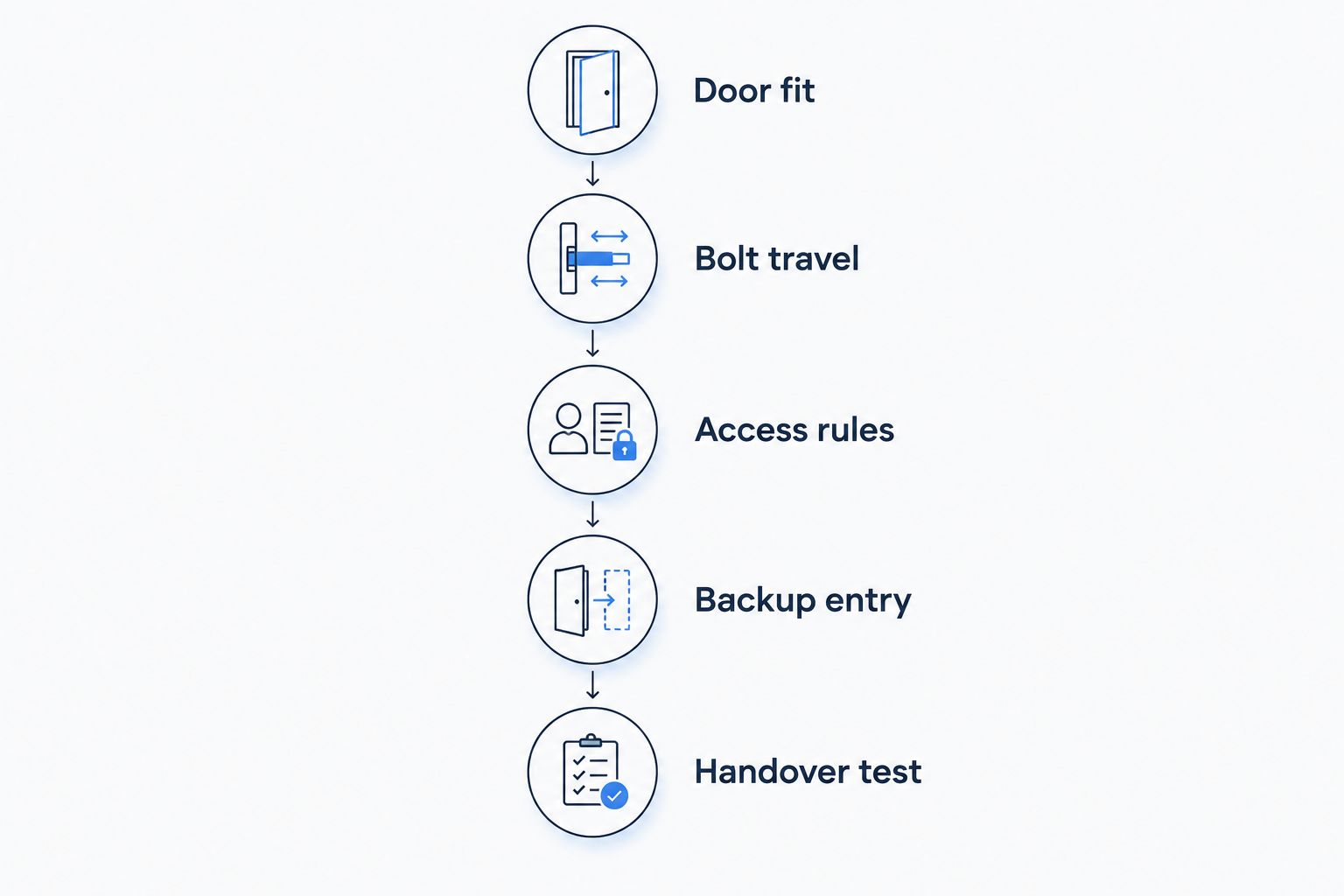
During handover, test 2 separate credentials: the resident’s entry credential and a maintenance credential. Then remove the maintenance credential and verify that it no longer opens the door. This checks the access-removal process you will rely on later.
Write down 1 backup-entry procedure for each property. Include who holds any backup key, who can authorize entry and where the lock’s recovery instructions are kept. Store sensitive access details securely, not in a publicly shared property document.
Which electronic rental lock should you choose?
Choose a standalone keypad deadbolt for a locally managed long-term rental. It is the default when you need code entry but do not need remote administration.
Choose a connected keypad deadbolt for remote guest turnover, or centrally managed access when permissions span a portfolio. Retain existing exterior hardware only when a compatible retrofit meets your requirements. Use electronic levers only on suitable doors.
For a Jacksonville rental that needs building entry, a lock change or re-keying, Primeaccesslocksmith provides on-site service. Keep the service decision separate from the hardware decision: the right electronics do not resolve an old-key problem or a poorly fitting door.
FAQ
What are the best electronic door locks for rental properties in 2026?
Standalone keypad deadbolts are the default for locally managed long-term rentals; connected keypad deadbolts suit remotely managed short stays. Centrally managed access systems suit portfolios with permissions across multiple doors. Verify the exact model’s compatibility and recovery methods before buying.
Is a smart lock better than a keypad lock for a rental?
A connected smart lock is better when you need remote access changes; a standalone keypad lock fits an on-site management process. Choose by how you handle turnover rather than assuming more connectivity means better security.
Will an electronic rental lock work without internet?
Offline operation depends on the exact lock and the function you need. Verify local keypad entry separately from remote commands, scheduled credentials and activity reporting, because those functions can have different connection requirements.
Do I still need to re-key a door after adding a smart lock?
Yes, if an existing mechanical cylinder remains and unauthorized people still have working keys. Removing an app user or deleting a keypad code does not invalidate a physical key. Address electronic credentials and mechanical key access separately.
Can I put an electronic lock on any rental door?
No. Door dimensions, preparation, clearance, fire rating and required exit operation affect suitability. Check the exact lock’s installation requirements and applicable property rules before changing hardware.
What happens when an electronic door lock battery dies?
The recovery method depends on the model. Confirm its authorized backup-entry method before installation, and keep the necessary key or recovery equipment accessible outside the locked property.
Should every guest or tenant use the same entry code?
Use separate credentials when the lock supports them. Individual credentials let you remove one person’s access without changing everyone else’s and make access assignments easier to manage.
One last thing
Deleting a code is not the same as securing the whole door. At turnover, check 3 access routes: electronic credentials, physical keys and administrator accounts. A former occupant’s code can be gone while an old key or shared account still works.
Make that your final 2026 buying test: can you explain exactly how you will remove someone’s access? If the answer is unclear, resolve the process before choosing the lock.